Our own app · Coming soon to the Microsoft Store
Ondelio
A program for Windows 10 and 11 that recovers, copies, repairs and securely erases what is on your drives. And it tells you the truth about every file. Not a commission either — it's ours.
What Ondelio is
Ondelio helps when something has been lost or broken on a drive, a USB stick or a card: files deleted by mistake, a formatted drive, a disk that no longer shows up or is starting to fail, a photo or document that won't open. You don't need to know anything about disks: the start screen asks "What happened?" and, depending on what you pick, the program decides how to scan. It then shows a list of files with a preview, tells you clearly what is recoverable and what isn't, and recovers what you choose to a different drive.
Besides recovering, the same suite copies failing disks, repairs damaged files — photos, Office documents, ZIPs and videos — and securely erases whatever you want gone for good. It runs entirely on your machine: it collects no data and needs no Internet to work, and its recovery engine was written from scratch, with no code from other recovery programs.
Screenshots
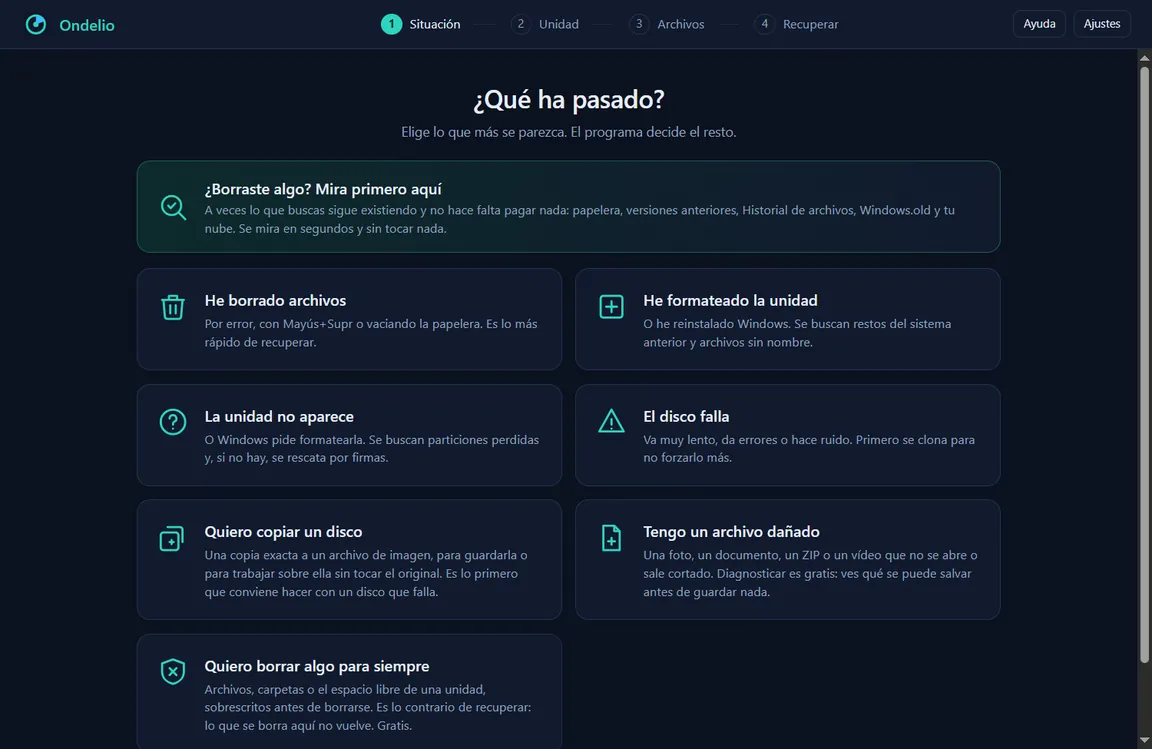
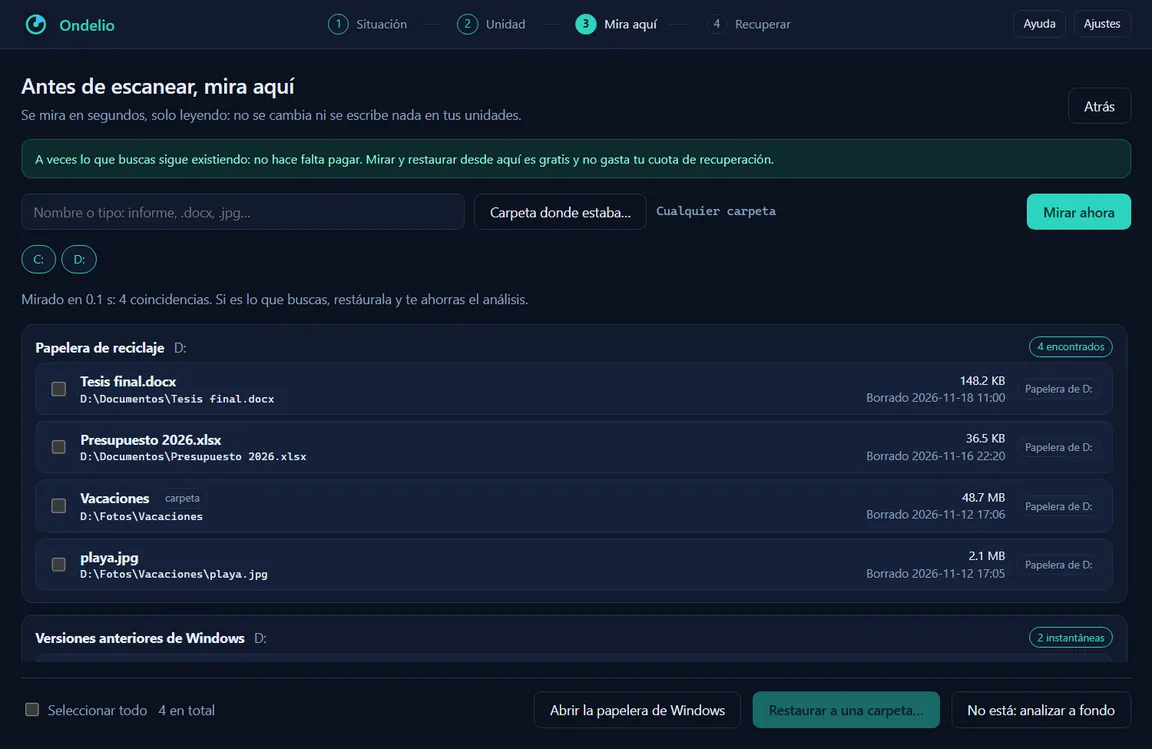
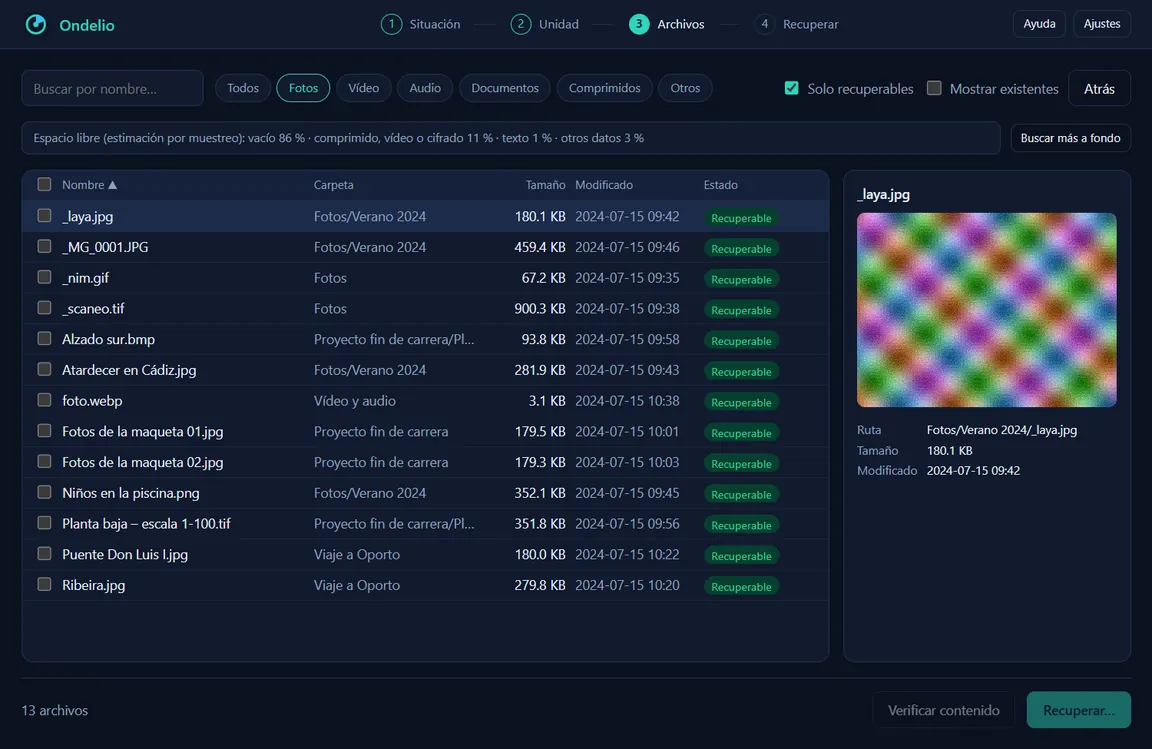
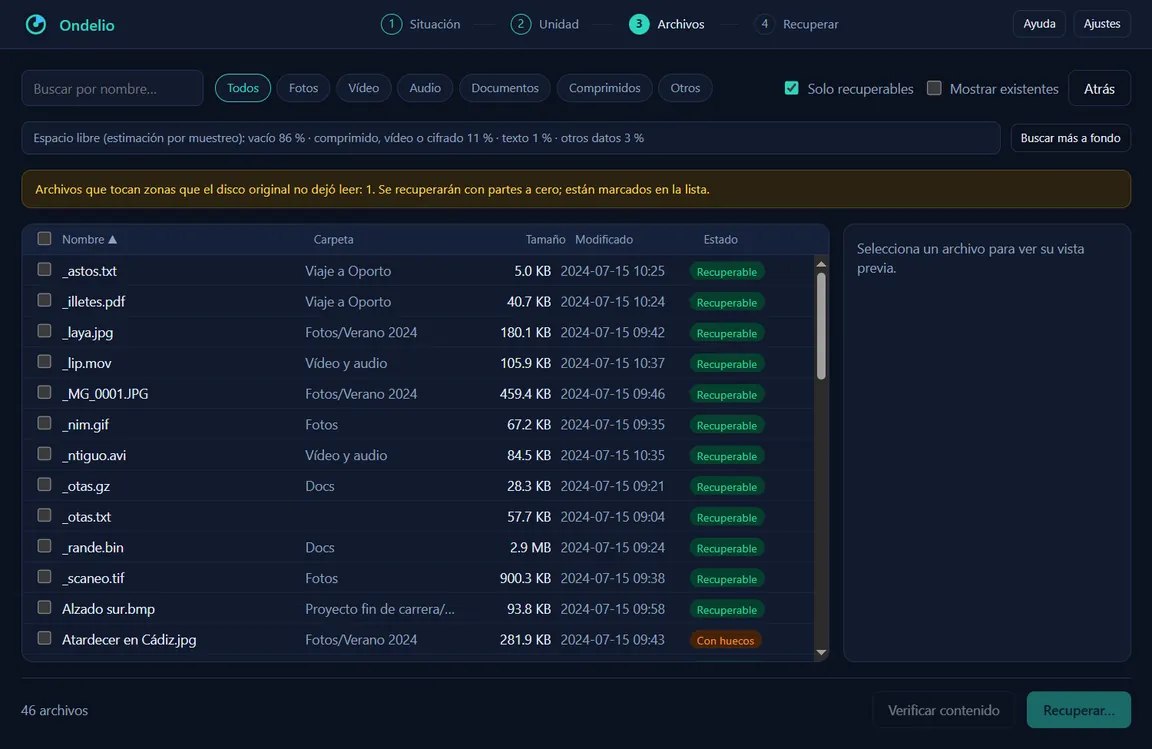
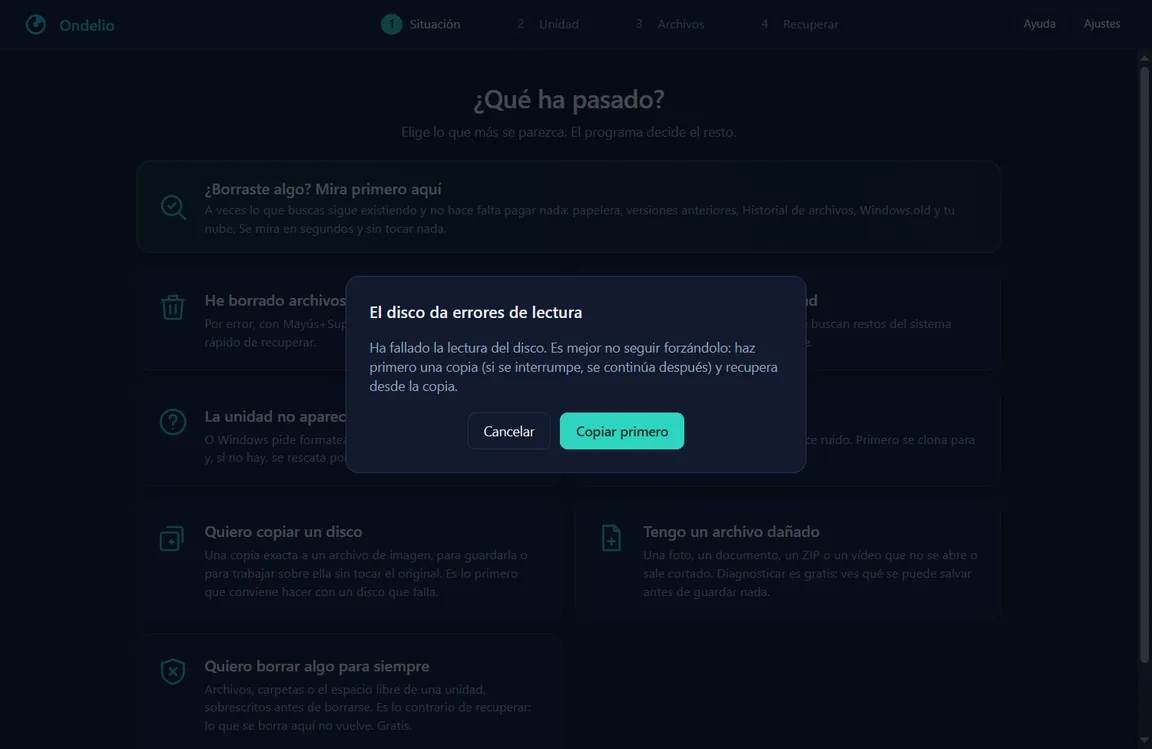
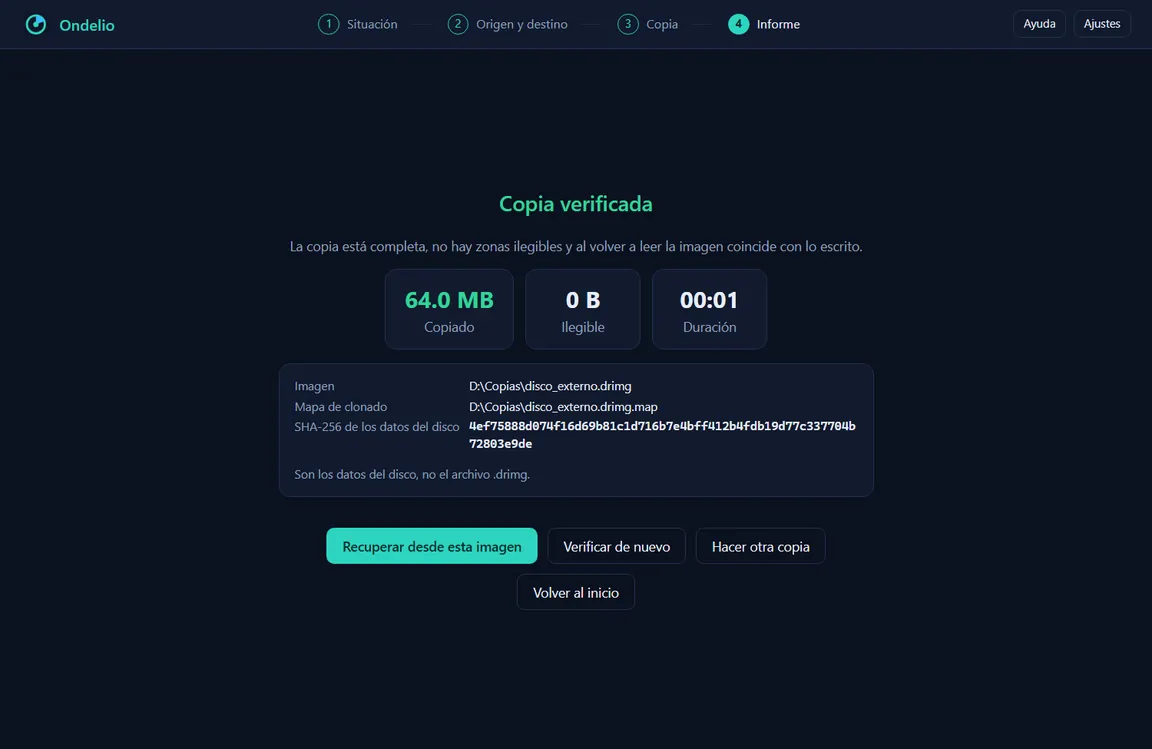
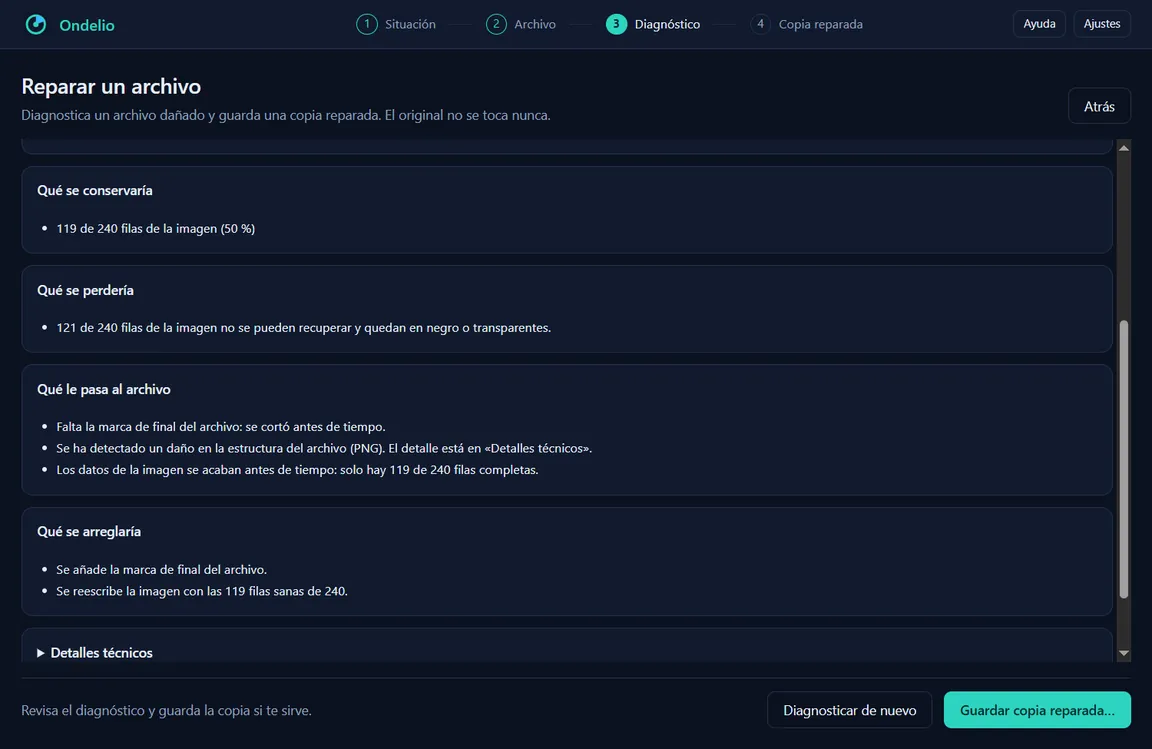
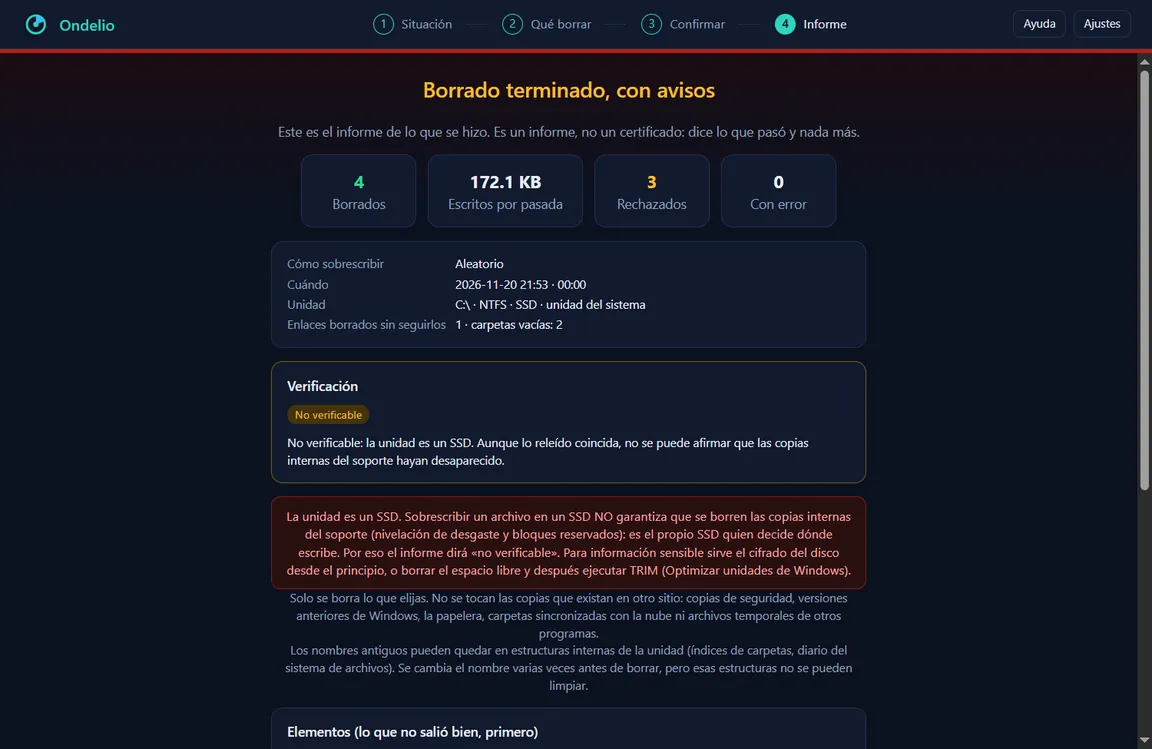
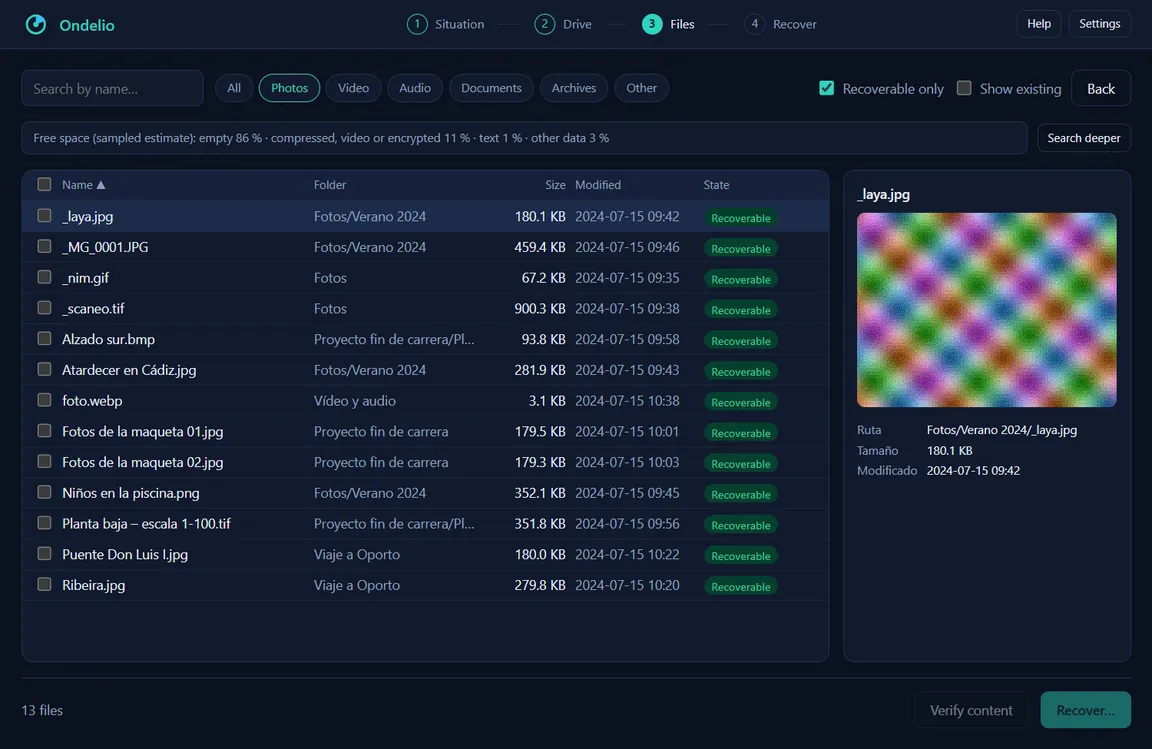
Screenshots of the program in development, using sample files and disks. Planned features that are not yet available don't appear here, and the final design may change.
It tells the truth, even when it isn't what you want to hear
No program can recover data that has already been overwritten, nor, usually, what was deleted on an SSD with TRIM. Ondelio says so plainly and warns you when it sees signs of it, instead of promising the impossible. Every file carries a status — Recoverable, Partial, Overwritten or Doubtful — and its content can be checked before recovering (Verified, Structure correct or Damaged), so you know what to expect before saving anything.
And it does no harm: to recover, it opens drives read-only and won't let you save what it recovers onto the drive it is scanning, because a deleted file stays there until something new overwrites it. The few functions that do write to a disk are kept separate, say so, and ask for confirmation. The repair tool always works on a new copy and tells you what is kept, what is lost and what can't be guaranteed. And secure erase gives you a report, not a "certificate": on an SSD or a USB stick it warns that overwriting does not guarantee erasing the media's internal copies.
What is already built
What doesn't exist yet
In development and not yet available: disk-to-disk copy, erasing a whole disk, a dedicated section for USB sticks and cards (with fake-drive detection and camera RAW photos), the disk health warning, recovering an unsaved document, thumbnails as a last resort, ransomware help and a portable USB edition. Until they exist, we don't treat them as done.
Free to check, paid for the advanced parts
Scanning and seeing what can be recovered is free, with a preview; so are "Look here", copying a disk to an image, diagnosing damaged files and erasing files, folders and free space. Recovering up to 500 MB in total is free, to check that it works. The advanced functions (recovering without that limit, cloning, saving the repaired copy and erasing whole disks) will be paid add-ons on the Microsoft Store, with a Pro bundle. Cancelling, verifying and reports are never limited.
How we tested it, and where the limits are
In lab tests, with disk images built for the purpose (deletion on FAT32, NTFS and exFAT, quick format, destroyed partition table and content-based rescue), the recovered files matched the originals byte for byte. These are lab tests, not a promise for every disk: each real case depends on what was written afterwards.
For now it does not scan BitLocker-encrypted disks or extract EFS-encrypted files, and a physically damaged disk may need a specialist service: that is why Ondelio recommends copying it first. The French, German, Italian and Portuguese translations are still being polished.